
First launch
Give one favorite car its own impossible scene.
$9.90USD · 1 video$9.90 per video
Cast the driver. Choose the getaway car. Follow a cinematic pursuit from the highway to an impossible airborne exit.
Fixed reference · Your generation follows this scene using your uploaded photos.
A familiar face behind the wheel changes the way an action scene reads. The Roadster Police Chase template pairs that driver with a car you choose, then follows a fixed sequence of pursuit, flight and reaction shots. The highway setting and supporting police vehicles stay part of the reference. You supply the two leads through separate photographs. This is a fictional car-video concept with a prepared camera plan, so there is no script box or location selector. Watch the whole reference first, especially the driver reveal and overpass movement, to decide whether this is the story you want to personalize.
Add a single clear portrait to Driver photo. The face, hairstyle and visible clothes guide the replacement person. A photo taken in ordinary light is enough; you do not need a driving pose. The reference controls when the driver becomes visible, including its face-covering moment. Keep only one intended person in the image.
Use Car photo for a separate image of the vehicle. Include its complete body and wheels with as little obstruction as possible. A three-quarter view can expose the front and side together. The template follows the pursued car, so your uploaded vehicle guides that role rather than the supporting police cars.
Submit the selected scene once and follow it in My creations. Review the exterior pursuit, airborne move and return to the cabin as one connected performance. Do not judge a result only by its first frame: consistency through the cuts is what makes this Roadster Police Chase recognizable.
The three clips below illustrate different subjects within this concept. They are supplied community examples, with no verified generation on this new domain. The studio uses the fixed reference above.
The racing-suit example shows why a strong outfit can carry a short scene. Red sleeves remain easy to recognize in the cabin, while the white vehicle identifies the lead outside. In your Roadster Police Chase, choose a portrait with visible clothing that supports the character you want. A clear silhouette often communicates more at phone size than a small accessory or a detailed logo.
The two upload fields make the casting flexible. You can pair a portrait and vehicle shot from different locations; the template provides the location they share. The person reference guides the visible driver, and the car reference guides the pursued vehicle. A combined photo with a tiny person standing beside a distant car gives each subject less usable detail than two focused images.
There are limits to that flexibility. The page has no photo slot for a passenger, a police officer or another vehicle. The background actors and police cars retain their roles. The driver replacement also follows the prepared reveal timing, so an initially covered face does not mean the portrait was ignored. Watch the relevant cabin shots before deciding whether a result matches your intended character.
The source racing clip is shown as a community variation, not as an output verified on Roadster AI. It helps you judge the visual idea and the contrast between character and vehicle. Your completed video may differ in facial detail, clothing edges, hands or reflections. Those differences matter most when the scene cuts between the cabin and exterior views.
The gold-jacket example creates a different mood with a bold outfit and a hat, while the pursuit still supplies the momentum. The Roadster Police Chase can support that kind of character-led joke without needing a long setup. A caption can introduce a fictional scenario; the existing shot sequence then supplies the escalation and the airborne payoff.
Your vehicle choice can make the contrast equally clear. An everyday car placed in a dramatic highway chase reads differently from a sports car. The template is guided by the photo you provide and does not require a Tesla vehicle. Shape changes can be difficult during fast turns, though, particularly if the replacement car has proportions very different from the reference.
Use the complete exterior as your visual anchor. Paint color, body outline and wheel placement should remain coherent as the car approaches the overpass and leaves the road. Small details such as plate lettering, mirror shape, trim and badges may shift. If those details are essential to your intended use, inspect them at the relevant moments instead of assuming a matching opening frame guarantees the rest.
A Roadster Police Chase is fictional entertainment. Avoid presenting it as a real pursuit, a demonstration of a production vehicle or an official Tesla announcement. The product name refers to a creative video concept. Roadster AI is independent and is not affiliated with Tesla, and its template output provides no evidence about the real-world capabilities of the vehicle pictured.
The dog-driver community example takes the wider meme further by changing the pursuing police characters as well as the driver. That is useful creative context, but this Roadster Police Chase form only accepts the main driver and car references. It does not provide the additional background-character controls used by a broader remix. Choose your idea around the actual inputs shown above.
The configured scene is approximately fifteen seconds in a vertical 9:16 frame, with 480p output. It keeps the complete reference sequence rather than letting you drag an in-page trim control. All three templates on this site are configured to restore their reference soundtracks. Here that means the sound remains tied to the chase, while your photographs guide the replacement visuals.
A driver photo does not create a new speaking voice or personalized dialogue. Listen to the reference before choosing the scene, then review the generated result with sound when it becomes available. If you need another voice-over or music track, handle that in a separate editor and check the permissions for the material you add. The site has no soundtrack-selection control.
When the completed Roadster Police Chase is ready, check the reveal, overpass clearance, flight and transition back inside the car. Those are useful decision points for choosing whether the take is ready to share. A sequence can look convincing at normal speed while showing imperfect hands, windows or wheels when paused. Assess it at the size and playback speed your audience will use.
Planned video packs
Planned prices for one, three, or five videos. Purchases are closed, so these packs cannot be bought.
Give one favorite car its own impossible scene.
$9.90USD · 1 video$9.90 per video
Explore the chase, city escape and ramp performance.
$19.90USD · 3 videos$6.63 per video
Try different vehicles, drivers and creative pairings.
$29.90USD · 5 videos$5.98 per video
Planned packs cover the three 480p scenes. Generation is currently available to accounts with existing credits. Signing in does not include a free video.
Browsing a template never creates a purchase. See our refund policy for the current purchase status.
No. The car photo guides the pursued vehicle, and another car can be used. Choose a complete, clear image. The result still follows the same highway reference, and large differences in body shape may affect consistency during the airborne maneuver.
This template provides inputs for the lead driver and the pursued car. Supporting officers and police vehicles remain part of the fixed scene. Some community examples show broader edits, but those examples do not add photo roles or controls to this generator.
The reference contains a face-covering action before the driver reveal. The template preserves its order and timing. Review the full scene, including the later cabin shots, when judging how the supplied portrait has been interpreted.
The location, movement, camera cuts and ending come from the fixed reference. The Roadster Police Chase page does not offer custom scene writing or additional maneuvers. Compare Traffic Escape and Ramp Stunt if their existing action is closer to your idea.
Sign in with Google and submit the required driver and car photos. Purchases are closed, and a new account does not include a free video. Watching the reference does not create a task.
Show one person with a clear face, hair and visible upper body. Heavy shadows, multiple faces or extreme crops can make the intended subject harder to identify. Use an image you have permission to edit and obtain permission from the person pictured.
The template restores the reference soundtrack. It does not derive a new voice from a face photo or generate custom dialogue. Check the sound in the preview and plan any separate narration as a later editorial step.
The signed-in account follows the task and reviews its result in My creations. Check progress there before submitting again. A new deliberate submission creates another task; watching the reference does not create one.
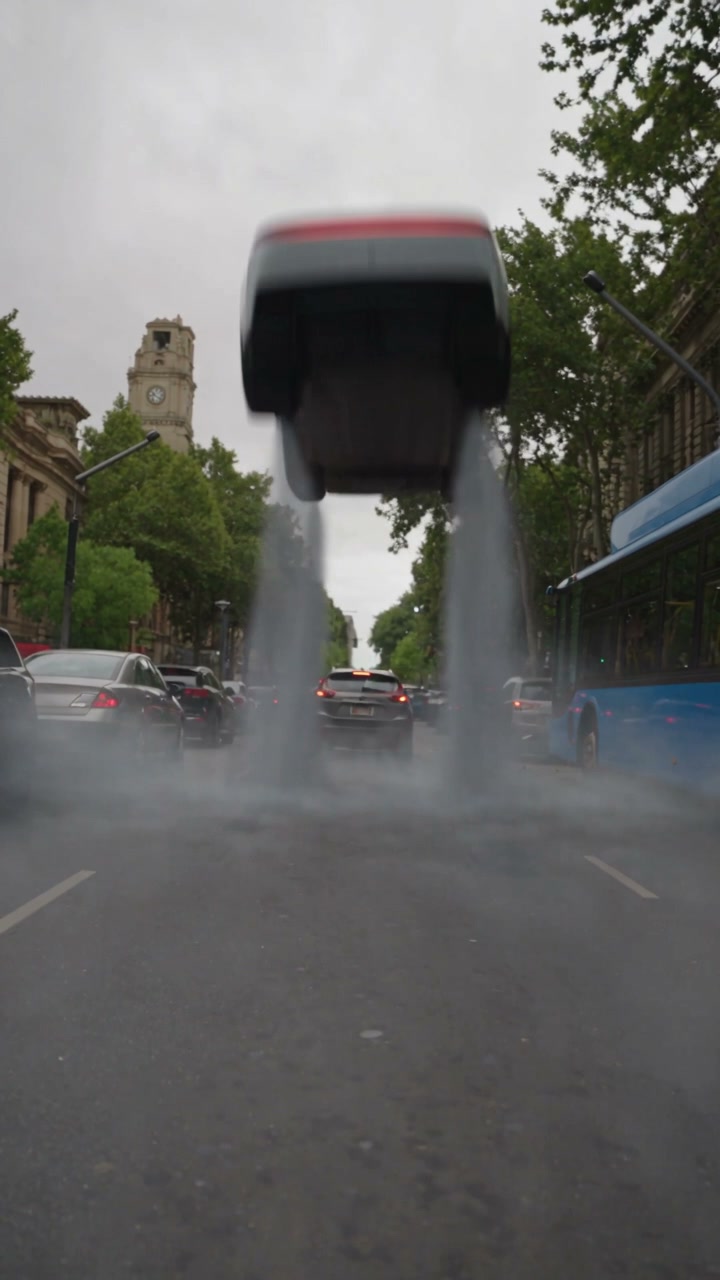
Give the morning commute an impossible shortcut. Put your driver and car into a city scene that lifts straight out of the queue.
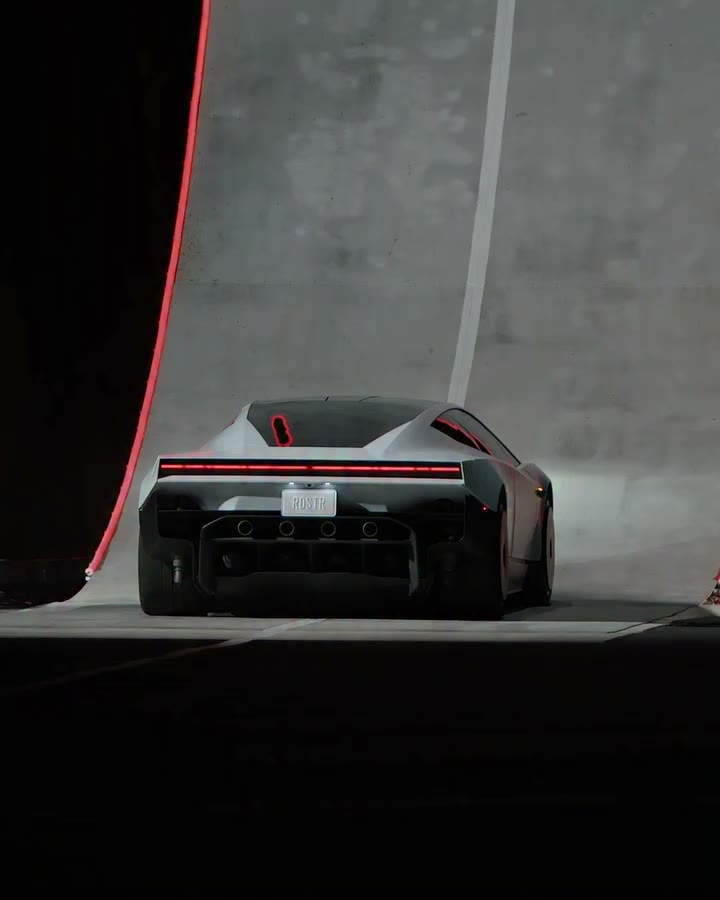
One car photo. A complete ramp performance. Follow the climb, rotation and landing with your chosen vehicle at the center of the scene.
Prepare a driver portrait and a clear vehicle photo, then watch the pursuit once more. Choose this scene if the reveal, highway action and airborne ending fit the story you want to tell.
Preview Roadster Police Chase