First launch
Give one favorite car its own impossible scene.
$9.90USD · 1 video$9.90 per video
One car photo. A complete ramp performance. Follow the climb, rotation and landing with your chosen vehicle at the center of the scene.
Fixed reference · Your generation follows this scene using your uploaded photos.
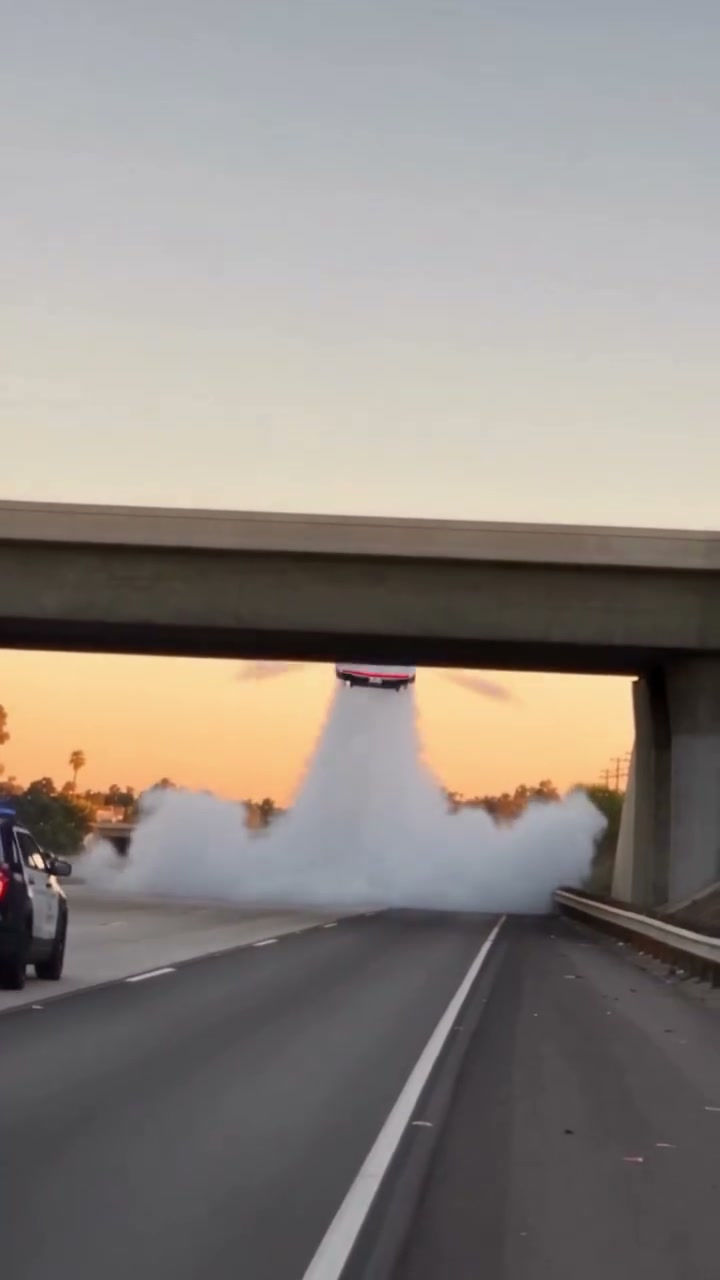
The Roadster Ramp Stunt removes the portrait step and puts the attention on the car. A fixed night scene follows its approach, climb up a curved ramp, inverted movement, flight and landing. Your single image guides the replacement vehicle through that sequence. The ramp, lighting, vapor, camera changes and timing belong to the reference. This is the simplest photo setup among the three Roadster AI scenes: you only need a clear car image, with no driver portrait to prepare. Watch the full performance first to see how much of the vehicle is visible as it turns.
Upload one vehicle photograph that shows the body and wheels clearly. A front three-quarter view can provide useful shape information without hiding an entire side. Avoid a tight crop that removes bumpers or a foreground object that covers the wheels. The form has a single car role, so keep the intended subject obvious.
Play the whole Roadster Ramp Stunt, including the climb and landing. The 4:5 composition is wider than the escape scenes and follows an approximately seventeen-second sequence. You are choosing that complete performance, not a single airborne frame. There is no driver replacement, custom maneuver or editable camera track.
Sign in, confirm the scene, then submit once. Review the finished task in My creations. Watch the approach, underside transition and touchdown, checking whether the car remains recognizable. A good opening likeness is only one part of the result: the same body shape should make sense as the reference reveals new angles.
The three clips below illustrate different subjects within this concept. They are supplied community examples, with no verified generation on this new domain. The studio uses the fixed reference above.
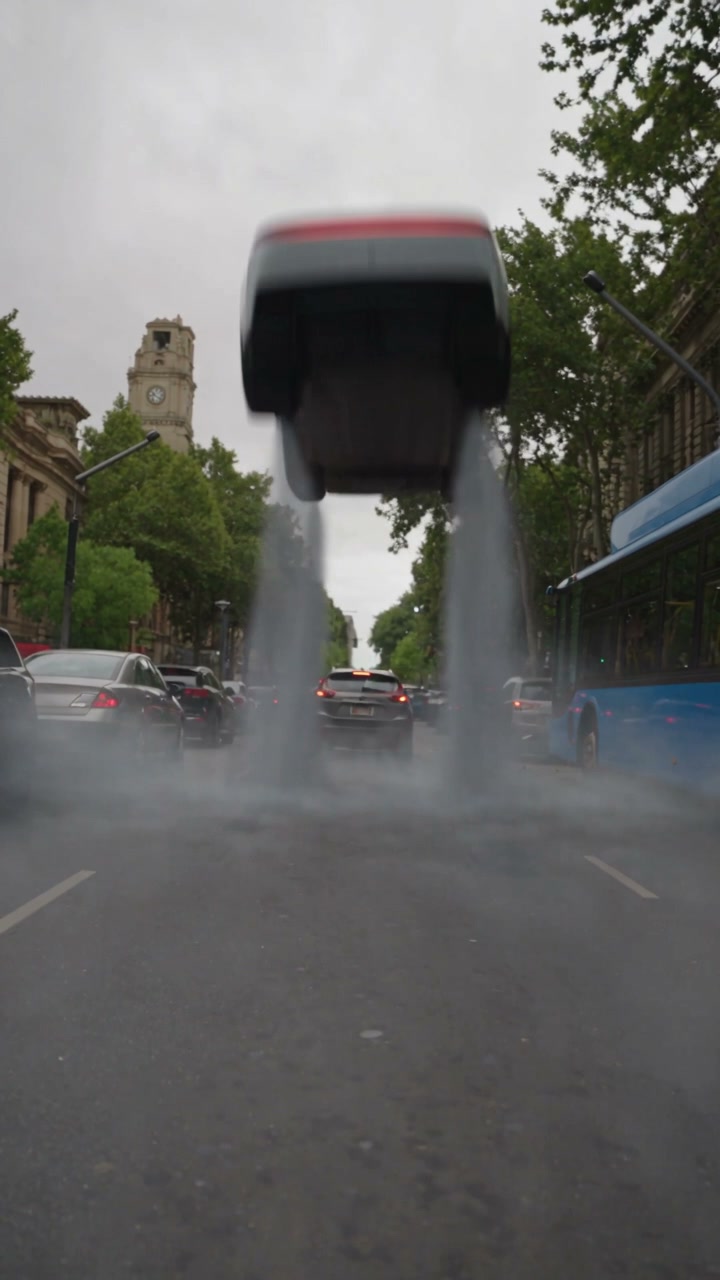
The first community variation illustrates the main appeal of the Roadster Ramp Stunt: a replacement vehicle carries the entire performance. There is no separate cabin character to introduce or driver reaction to explain. That makes it useful when you want a car-focused concept, a playful automotive edit or a short showcase of a vehicle you can identify from its outline and paint.
The photo does not need to show the car at a ramp. The reference supplies the setting, motion, lighting and camera sequence. Your image has a more specific job: it tells the generator what the moving car should look like. A clean view of the main body and wheels gives it a stronger starting point than a vehicle buried in a busy street scene.
The Roadster Ramp Stunt is designed around a car image. Some broader trend examples use very different objects, but this page does not promise support for every object category. Its input role and prepared instructions describe a replacement vehicle. Keep your first concept close to what the actual form supports, rather than inferring extra capabilities from unrelated flying-object edits elsewhere.
A single photograph cannot show all the surfaces exposed by an inverted rotation. The generator has to infer areas such as the far side or underside, so exact mechanical geometry is not guaranteed. Judge whether the vehicle remains visually coherent as a whole. If the wheels, roofline or body shape change conspicuously, that is a reason to review the take more carefully before publishing it.
The Roadster Ramp Stunt has a beginning and ending that make the central maneuver understandable. The approach establishes the car, the curved ramp changes its orientation, the flight carries the motion forward and the landing resolves it. This fixed structure gives the viewer enough context to read a short clip without an elaborate explanation or a long sequence of unrelated shots.
The second community variation offers another way to look at that same progression. Compare the vehicle silhouette before the climb with the shape in the air and after landing. These are useful checkpoints for deciding whether a personal car photo is likely to suit the movement. A very unusual body shape can make the inference harder, especially when the reference turns the car away from the angle visible in your image.
The tool does not offer a maneuver selector within this scene. Changing a car photo does not request a new flip, a different ramp angle or a longer period of flight. The prepared reference retains its shot order and framing. If you want an urban setting or a visible driver reaction, the Traffic Escape page offers that different sequence with its own two-photo requirements.
Use the clip as a fictional visual concept. The Roadster Ramp Stunt is not evidence that the photographed vehicle can climb, fly or land in this way. Roadster AI is independent and is not affiliated with Tesla. A recognizable car model can appear in an AI edit without that edit representing manufacturer footage, an official announcement or a real performance demonstration.
The third community variation gives another comparison point for the landing and final vehicle shape. Look at where the wheels sit relative to the ground, how the body emerges from vapor, and whether the closing view remains connected to the car seen at the start. These are practical review points for a generated Roadster Ramp Stunt, even when the overall movement looks convincing at first glance.
The reference uses a vertical 4:5 frame and runs about seventeen seconds. The configured output is 480p. A 4:5 video can fit an automotive feed post naturally, but it will not fill a 9:16 story without a layout decision. If you edit it into a taller canvas, preserving the complete frame avoids cutting off the ramp or the edge of the vehicle during rotation.
The template is configured to restore its reference soundtrack after generating the replacement visuals. The car photo does not choose a different sound effect, and the form does not contain music or voice controls. Listen to the preview with sound before you choose it. If you add a separate track after downloading, ensure that the music or narration is permitted for your intended use.
Review the completed Roadster Ramp Stunt at both normal speed and a few paused checkpoints. Badge lettering, tire details, mirrors and reflections may vary during fast movement. The source preview establishes the intended scene; it does not guarantee your vehicle will be reproduced perfectly. Only the completed task can show whether the overall shape, motion and landing work for the car photograph you supplied.
Planned video packs
Planned prices for one, three, or five videos. Purchases are closed, so these packs cannot be bought.
Give one favorite car its own impossible scene.
$9.90USD · 1 video$9.90 per video
Explore the chase, city escape and ramp performance.
$19.90USD · 3 videos$6.63 per video
Try different vehicles, drivers and creative pairings.
$29.90USD · 5 videos$5.98 per video
Planned packs cover the three 480p scenes. Generation is currently available to accounts with existing credits. Signing in does not include a free video.
Browsing a template never creates a purchase. See our refund policy for the current purchase status.
One car photo. This template has no driver role and does not submit a portrait. The other two scenes on Roadster AI require both a driver and car image, so check the selected template before preparing or restoring a draft.
During the same visit, the studio can retain a driver photo while the ramp uses only the car. An unused portrait is not included in a saved ramp draft. If you later restore that draft, do not assume it also restores the driver from an earlier escape scene.
The uploaded image guides the replacement car. A complete, clear vehicle photo is the useful starting point. Exact details are not guaranteed, and a substantially different shape from the source can be harder to keep coherent during the inverted part of the stunt.
The fixed reference includes the approach, curved-ramp climb, rotation and landing. The template follows that sequence; it is not an isolated jump loop. Check the complete preview before selecting it and review the finished landing when a result is available.
The current scene follows its approximately seventeen-second reference and 480p configuration. The form does not provide a longer duration or a separate higher-resolution output promise. Reference-file dimensions and the generated output configuration should be considered separately.
Sign in with Google and submit the required car photo. Purchases are closed, and a new account does not include a free video. Watching the reference does not create a task.
They are supplied examples of the wider scene and are labeled separately from the fixed generator reference. They have not been verified as outputs of this new website. A result using your own photo can only be assessed after a completed generation.
Watch the whole car through the climb, inverted view and touchdown. Check that its outline and wheels remain plausible within the fictional sequence. Preserve an AI or concept context when publishing, and verify permissions for the photograph and any soundtrack you use.
Give the car the whole scene. Choose a clear vehicle photograph, watch the complete ramp performance and decide whether its climb, rotation and landing fit your concept.
Preview Roadster Ramp Stunt